It can be launched on the micros server by typing DBISQL into the run prompt and pressing OK. See below screenshots.


Micros POS installs usually have then following passwords by default. You may also have been given a DBA password by your micros installer.
Username: custom
Password: custom
or
Username: installer
Password: installer
You may also need to select the ODBC data source name which will be called "Micros" but 99% of the time you wont need to do this. See the image above.
----------------------------------------------
An example of what you expect to be able to see after logging in is shown in the image below.

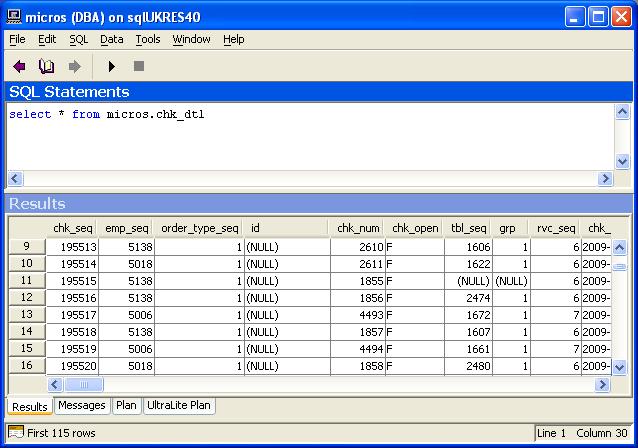
An example what what an actual query in dbisql looks like is shown in the image below. This query returns the data for all checks in the database.
To search how select, update, inserts and everything to do with SQL works I suggest you google some tutorials so you can get the most out of your micros database.